Pace
Instantly convert pace and speed, plan race finish times, and dial in your training targets with simple, intuitive controls.
Highlights
Everything you need to plan training, dial in pace, and run smarter.
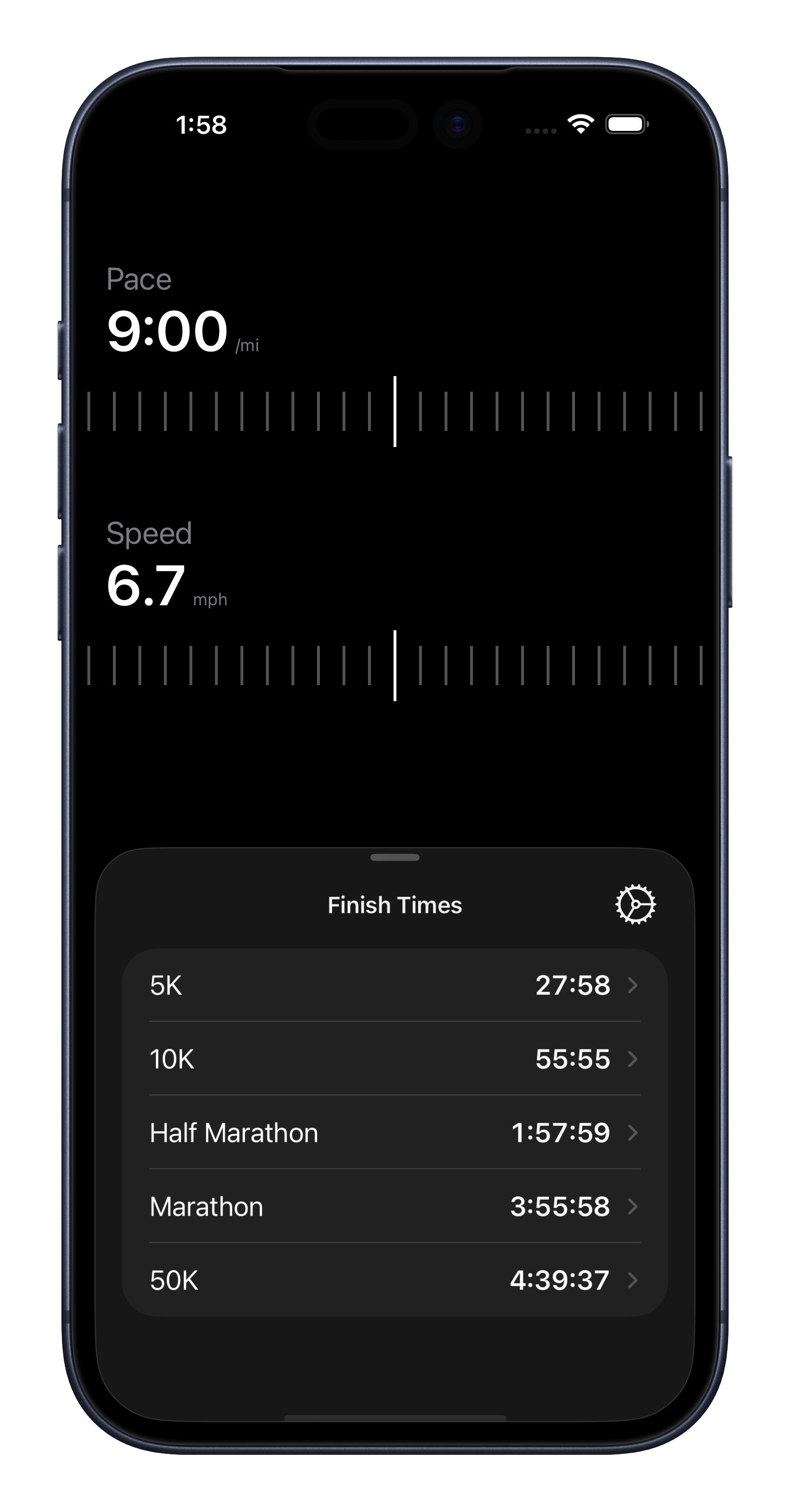
Dial In Pace Instantly
Use smooth sliders to set a target pace or speed and see the exact equivalent in real time.
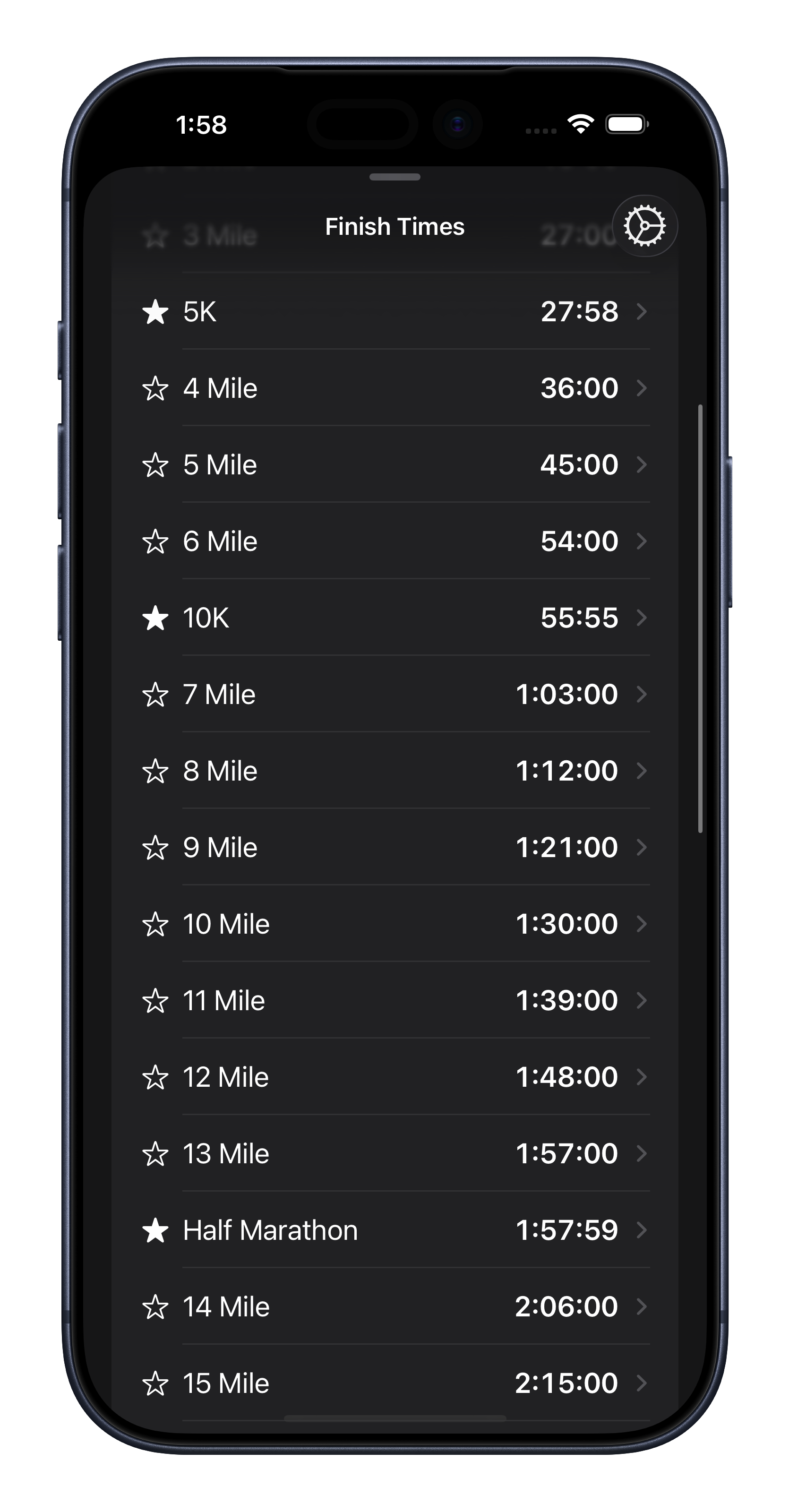
Finish Times for Every Distance
See finish times from track races to marathons, and favorite the distances you use most.
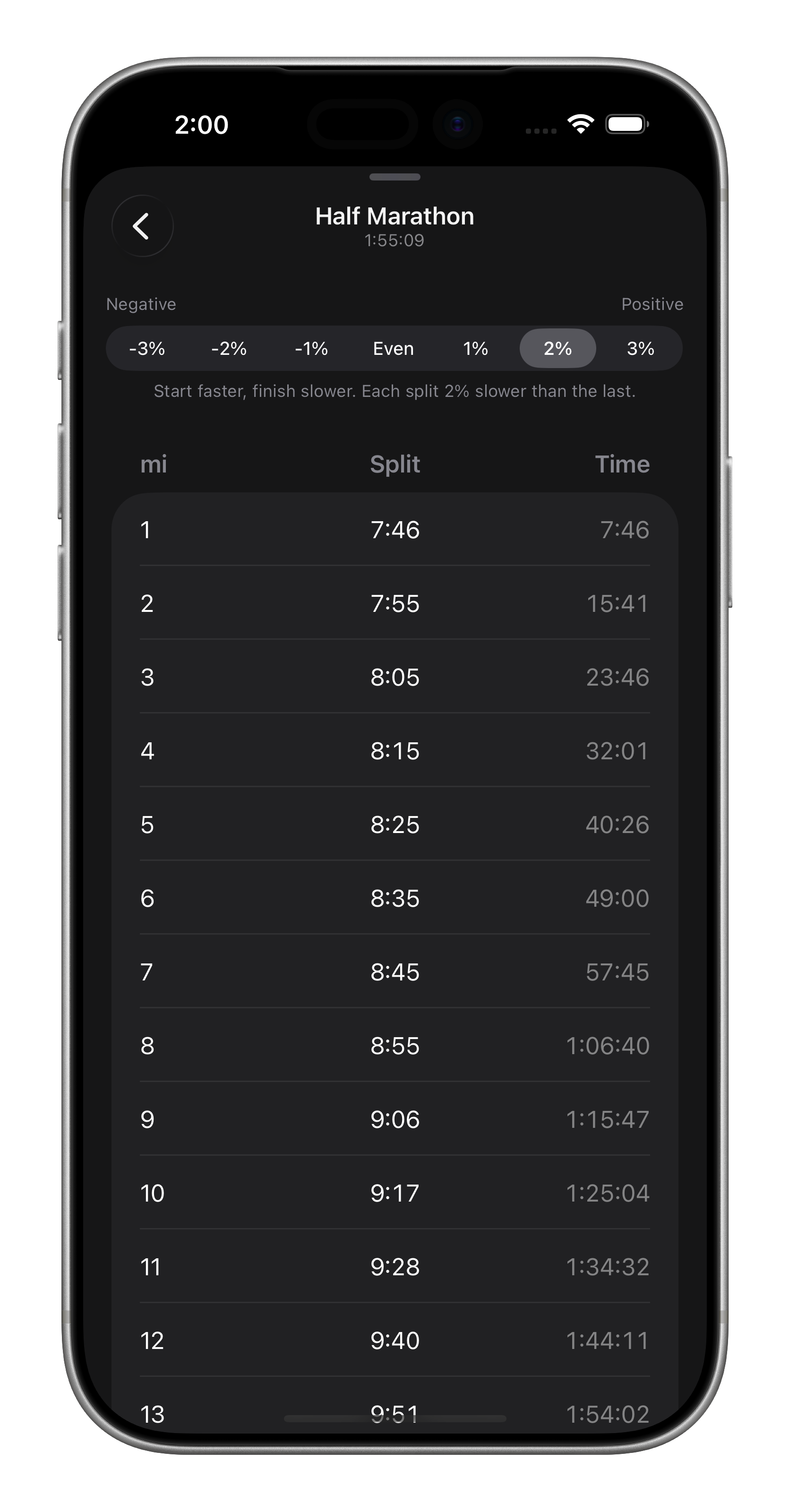
Plan Smart Splits
View even, negative, or positive splits to guide race-day pacing.
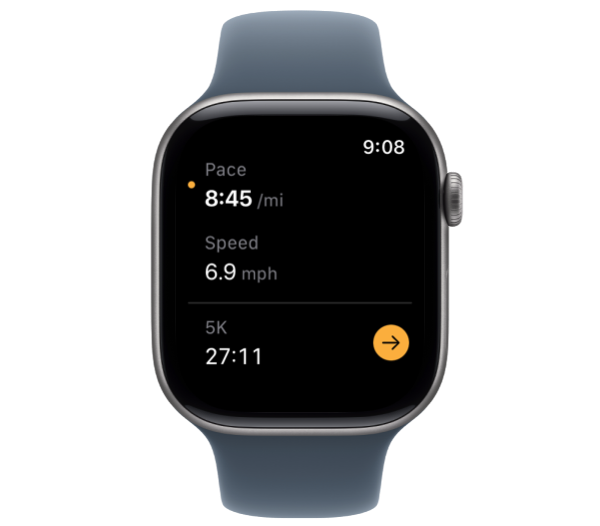
Pace on Apple Watch
Glanceable pace and speed with Digital Crown control for quick adjustments.
Features
Pace ↔ Speed Conversion
Instantly see the equivalent pace or speed.
Finish Times
Get finish time estimates across common race distances.
Split Strategies
Even, negative, or positive splits for smarter pacing.
Manual Pace Entry
Long-press to type a target pace when you already know it.
Miles or Kilometers
Switch units instantly while training or racing.
Apple Watch App
Glanceable pace/speed with Digital Crown adjustments.
Frequently Asked Questions
General
How do I change pace or speed?
Can I enter a pace manually?
How do I view finish times?
Does Pace support split strategies?
Can I use Pace on Apple Watch?
Miles or kilometers?
About
Privacy Policy
How we use and store your data
Terms of Service
Limits to liability